Which Industrial Robots Are Actually Easiest to Program? A By-Brand Reality Check
Every vendor says their robot is easy to program. Across all 273 robots in the Industrial Robotics Hub database, only 7 brands ship a no-code or hand-guiding path on every model they sell, while 5 brands offer none at all. The dividing line is almost never brand prestige. It is whether the brand builds cobots, and the gap between grabbing an arm to teach it and hiring someone who knows RAPID is the real question behind easiest to program.
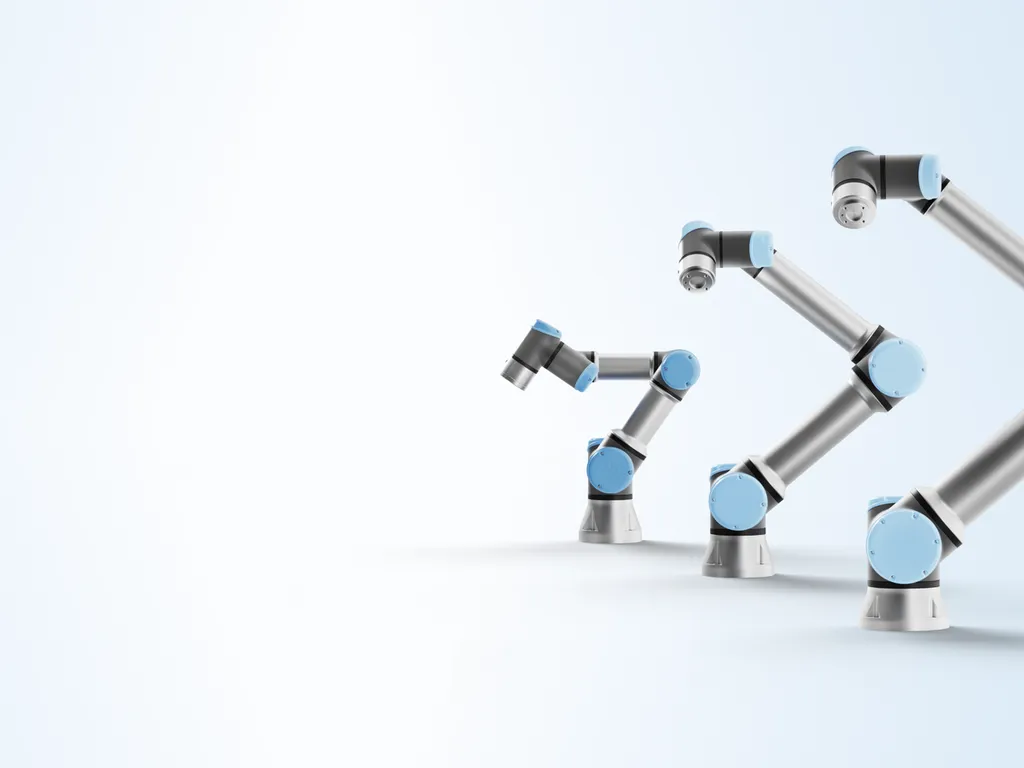
Ask ten robot vendors whether their machine is easy to program and you will get ten yeses. ABB points to its Wizard blocks, KUKA to iiQKA, Yaskawa to its Smart Pendant, and every cobot maker to hand-guiding. The marketing is unanimous, which makes it useless. What a buyer actually wants to know is narrower and more honest: on this specific robot, can someone on my team teach a task without hiring a programmer, or not?
That question has a data answer. Every robot in the Industrial Robotics Hub database records its programming methods, and the field is populated for all 273 machines, so we can score every brand on one concrete thing: what share of its models offer a genuinely beginner-accessible path, meaning you can teach a task by physically moving the arm (hand-guiding or lead-through) or by assembling a program from graphical blocks, rather than writing it in a text language.
The short answer: seven brands offer that path on 100% of their models, five brands offer it on none, and the line between them is almost never about prestige. It tracks one thing, whether the brand builds collaborative robots.
The ease ranking, by brand
Here is the share of each brand’s models in our database that offer at least one no-code or hand-guiding programming method. Higher means more of the range can be taught without writing code.
Share of each brand’s models offering a no-code or hand-guiding method (hand-guiding, lead-through, graphical or block programming, flow-chart, or app). Source: analysis of programming-method data across all 273 robots in the Industrial Robotics Hub database.
The shape of that chart is the whole story. There is a cluster at 100%, a lonely brand at 79%, then a cliff down to 29% and a floor of zeros. There is almost nothing in the middle. Robots in this database are either designed to be taught by hand, or they are not, and very few brands hedge.
Read the chart correctly: it is cobots, not quality
Before anyone reads that ranking as ABB and FANUC being worse than JAKA, look at what actually separates the two groups. Every brand at 100% is a collaborative-robot specialist. Universal Robots, JAKA, AUBO, Doosan, Techman, Dobot, and Hans Robot build cobots almost exclusively, and a cobot is designed from the start to be moved by hand and taught with a drag-and-drop interface. That is the product category, not a brand virtue.
The brands at the bottom, by contrast, mostly build traditional articulated arms and SCARAs. ABB, FANUC, KUKA, and Yaskawa are the four largest industrial-robot makers in the world, and their catalogs are dominated by fenced production arms that are programmed from a teach pendant and validated in offline simulation software. Those are precise, fast, reliable machines. They are simply not built to be taught by grabbing them, so a beginner path does not exist on most of the range.
The tell is inside the mixed brands. ABB and FANUC do not sit at zero, they sit at 29%, and the models lifting them are their cobots: ABB’s GoFa and SWIFTI, FANUC’s CRX line. KUKA’s 26% is its LBR iisy and iiwa cobots. In other words, even a traditional giant becomes beginner-friendly exactly on the models where it builds a cobot. Ease of programming is a property of the robot class first and the brand second. If your shortlist is cobots, brand barely matters for programming difficulty. If it is traditional arms, expect a programmer either way.
What the methods actually mean
The word easy hides four very different workflows. Our data records the specific methods each robot supports, and they fall on a clear ladder from no code to full code.
- Hand-guiding / lead-through. You physically grab the arm, move it to each position, and press save. This is the genuine no-code path, and it is what makes a first pick-and-place demo take minutes. It is standard on cobots and rare elsewhere.
- Graphical / block / flow-chart programming. You build the program by dragging blocks or nodes on a touchscreen, the way Universal Robots’ Polyscope, Techman’s flow-chart, or Doosan’s block editor work. Still no text, but it scales to real logic, conditionals, and I/O.
- Teach pendant (text). Nearly every robot has a pendant, but on a traditional arm you use it to write and jog programs in the vendor’s language. The pendant is not the barrier; the language behind it is.
- Offline simulation / programming. You build and test the program in PC software (RobotStudio, KUKA.Sim, RoboDK) before it ever touches the robot. Powerful and standard for complex cells, but firmly a specialist’s tool.
A machine that offers only the last two is not hard because its hardware is bad. It is hard because both paths assume someone who can program. As the offline-programming landscape shows, the serious tools for traditional arms are full development environments, not consumer apps. And the range of teaching methods a modern robot can expose is exactly what separates a machine you demo in an afternoon from one you schedule a training course for.
Model by model: who you can teach by hand
Brand averages set the expectation, but you buy a model, not a brand. Here are real machines from our database across the full spread, with the methods each one actually ships.
| Robot | Type | Payload | Programming methods | Beginner path? |
|---|---|---|---|---|
| Universal Robots UR10e | Cobot | 12.5 kg | Hand-guiding, block (Polyscope), URScript | Yes, plus a text path |
| AUBO i10 | Cobot | 10 kg | Hand-guiding, graphical, script (Python/C++) | Yes, plus a text path |
| JAKA Zu 12 | Cobot | 12 kg | Hand-guiding, graphical, app | Yes, no-code only |
| Techman TM12 | Cobot | 12 kg | Lead-through, graphical (blockly), pendant | Yes |
| Doosan M1013 | Cobot | 10 kg | Lead-through, block (DART), DRL script | Yes, plus a text path |
| Hans Robot Elfin E05 | Cobot | 5 kg | Hand-guiding, graphical | Yes, no-code only |
| ABB IRB 1100 | Articulated | 4 kg | Teach pendant, offline sim (RobotStudio) | No, RAPID + sim |
| FANUC M-20iD/25 | Articulated | 25 kg | Teach pendant, offline sim | No, KAREL/TP |
| KUKA KR 10 R1100-2 | Articulated | 10 kg | Teach pendant, offline sim | No, KRL |
| Yaskawa GP12 | Articulated | 12 kg | Teach pendant, offline programming | No, INFORM |
| Epson T6 | SCARA | 6 kg | Teach pendant, offline sim | No, SPEL+ |
| Staubli TX2-60 | Articulated | 4.5 kg | Teach pendant, offline sim | No, VAL 3 |
Programming methods as recorded in the Industrial Robotics Hub database from each manufacturer’s published specification. “Beginner path” means a task can be taught without writing code, via hand-guiding or a graphical interface.
Read down the table and the split is clean. The cobots all give you a way in without code. The traditional arms all route you through a text language and, usually, offline simulation. The languages are not interchangeable either: ABB’s RAPID runs in RobotStudio, KUKA uses KRL, FANUC uses KAREL and TP, Yaskawa uses INFORM, Epson uses SPEL+, Staubli uses VAL 3. Skill on one does not transfer cleanly to another, which is its own kind of lock-in and a real cost if your team already knows one ecosystem.
The expert path still matters
No-code is a starting point, not a ceiling, and the best cobot brands know it. The strongest programming story is not no-code alone, it is a no-code entry with a real text language underneath for when the job outgrows blocks. Our data shows exactly which brands offer both.
Universal Robots pairs Polyscope with URScript and backs it with a full training and software ecosystem. Doosan pairs its block editor with DRL. AUBO exposes Python and C++ alongside hand-guiding. Techman layers a script under its flow-chart. KUKA, interestingly, is the reverse case: 16 of its 19 models expose the KRL text language, so it is deeply programmable but rarely no-code, a power-user brand rather than a beginner one. For a deeper look at where text programming goes, our guide to robot programming languages and Python support and the state of ROS 2 across industrial robots both pick up where this leaves off.
The practical read: if you want a machine a technician can start on and a controls engineer can later extend, favor the brands that show up as no-code and script in the same row, such as UR, Doosan, AUBO, and Techman. If you only ever need simple taught tasks, the no-code-only cobots like JAKA and Hans Robot are the shortest path. And if you know you will be doing complex, high-speed, fully engineered cells, a traditional arm’s programmer-first workflow is a feature, not a bug, as long as you have or will hire the programmer.
How to use this when you buy
Ease of programming is not a single number, so turn it into three questions before you shortlist:
- Who will program it? If the answer is a line technician with no coding background, restrict your shortlist to cobots with a no-code path, and confirm the specific model offers hand-guiding or a block interface, not just a pendant. If you have a controls engineer, the whole field opens up.
- Do you already own an ecosystem? A plant that runs FANUC and has TP programmers gets more value from another FANUC than from a technically-easier brand nobody on site knows. The cheapest robot to program is often the one that speaks a language your team already speaks.
- Will the task get harder over time? If yes, prefer a brand that offers both no-code and a text language, so you are not forced to re-platform when a taught program hits its limit. If the task is genuinely simple and stable, no-code-only is fine.
The vendor claim easy to program is true for almost every robot and useful for almost none of them. The honest version is on the spec sheet: look at the programming methods, check whether a no-code path exists on the exact model, and match that to the person who will actually stand in front of the machine. Do that and the answer stops being marketing and starts being a filter.
Analysis based on the programming-method data recorded for all 273 robots in the Industrial Robotics Hub database. A model counts as offering a beginner path if it lists hand-guiding, lead-through, graphical or block programming, a flow-chart interface, or an app-based method. Brand percentages reflect only the models in our database and will shift as ranges are added; treat them as a directional guide and confirm the exact method against the specific model’s data sheet. Where a field is unknown we leave it out rather than guess.
Frequently asked questions
Which industrial robot brand is easiest to program? +
By the data, the easiest-to-program brands are the ones that ship a no-code or hand-guiding path on every model. Across the 273 robots in the Industrial Robotics Hub database, seven brands do this on 100% of their range: Universal Robots, JAKA, AUBO, Doosan, Techman, Dobot, and Hans Robot. Every one of these is a collaborative-robot maker. What they share is a guided teaching method, either physically grabbing the arm to move it (hand-guiding or lead-through) or building a program by dragging blocks on a touchscreen, so a first-time user can teach a simple task without writing code.
Are collaborative robots easier to program than industrial robots? +
On average, yes, and the data is stark. In our database, 100% of the models from the leading cobot brands offer a no-code or hand-guiding programming path, while the traditional articulated-arm brands sit far lower: ABB and FANUC at 29% of models, KUKA at 26%, Yaskawa at 19%, and Epson, Estun, and Staubli at 0%. The difference is not that industrial arms are badly designed. It is that a cobot is built to be taught by hand-guiding and a blockly-style interface, whereas a traditional arm is programmed from a teach pendant plus offline simulation software, which usually assumes a trained programmer.
Do you need to know how to code to program a modern robot? +
It depends entirely on the robot. On a collaborative robot from Universal Robots, JAKA, Doosan, or Techman, you can teach a basic pick-and-place task with no code at all, using hand-guiding and a graphical block interface. On a traditional industrial arm from ABB, FANUC, KUKA, or Yaskawa, real programs are written in the vendor's own text language such as RAPID, KAREL, KRL, or INFORM, so meaningful work does assume programming skill or training. Several cobot brands give you both: a no-code path for simple jobs and a text language like URScript or Python for advanced ones.
Is a teach pendant hard to use? +
A teach pendant on its own is not the hard part. Nearly every industrial robot has one, and modern pendants like Yaskawa's Smart Pendant or FANUC's iPendant Touch have gotten much friendlier. The difficulty comes from what you have to do with it: on a traditional arm you build motion and logic in a text language and often validate it in offline simulation software, which is a programmer's workflow. On a cobot the same pendant runs a drag-and-drop interface, so the same hardware feels very different depending on the software layer on top of it.
Compare these robots